
A practical tool for your day.
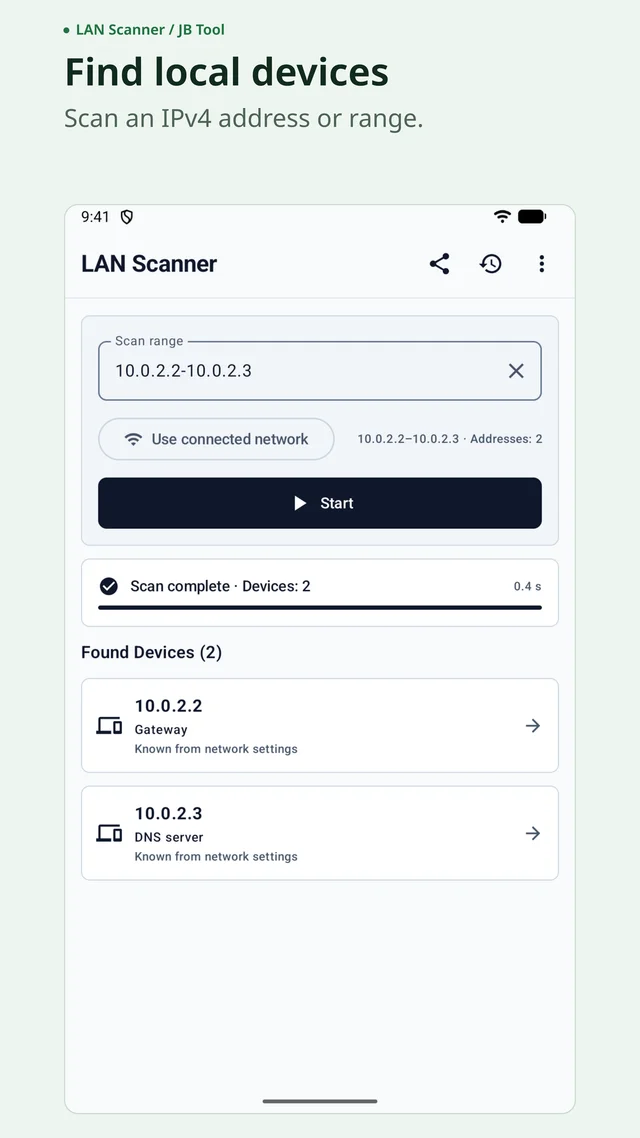
Scan your Wi-Fi or wired local network to find IPv4 devices, IP addresses and available hostnames with JB Tool - LAN Scanner.
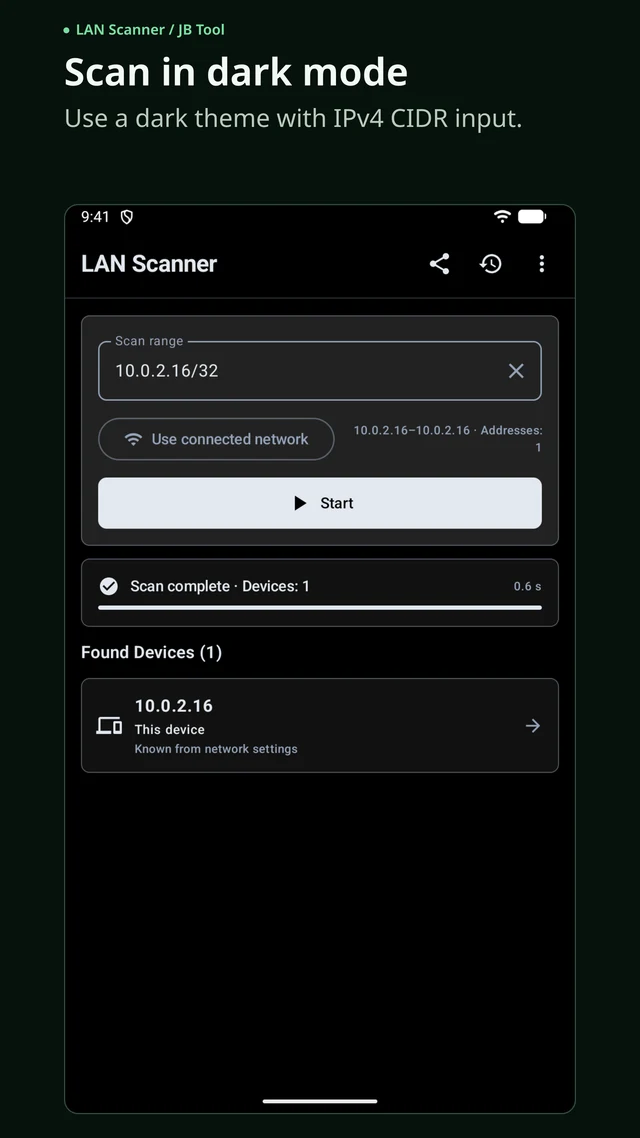
- Choose the connected network or enter an IPv4 address, address range, or CIDR.
- Start or stop a scan and follow its progress.
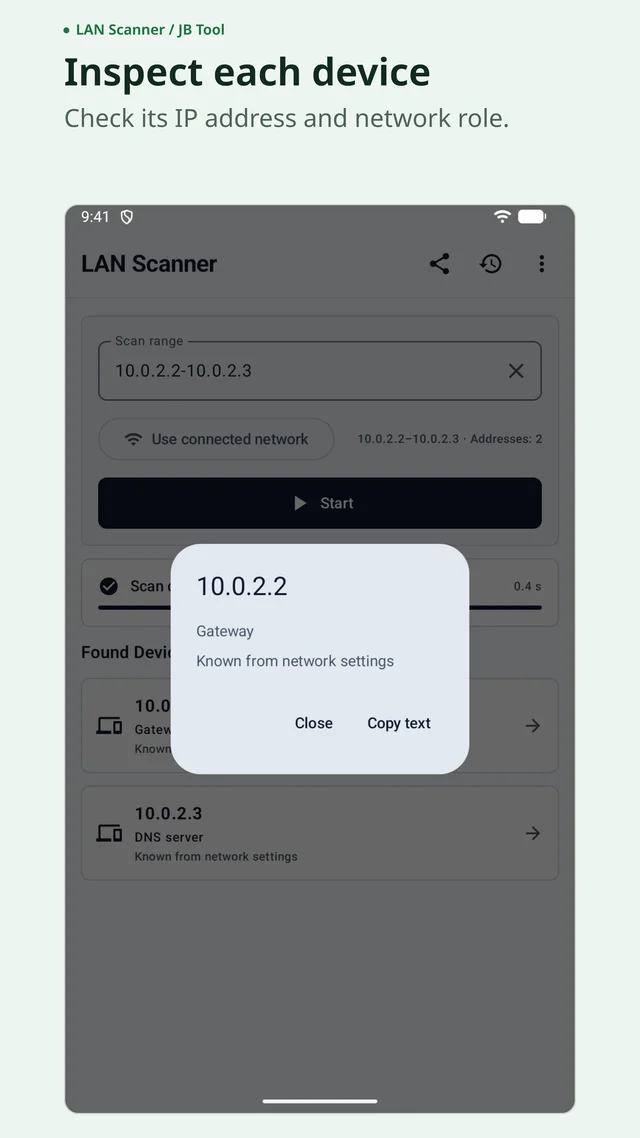
- View IP addresses, available host names, device/gateway/DNS roles and the discovery method.
- Open device information, copy an IP address and share scan results.
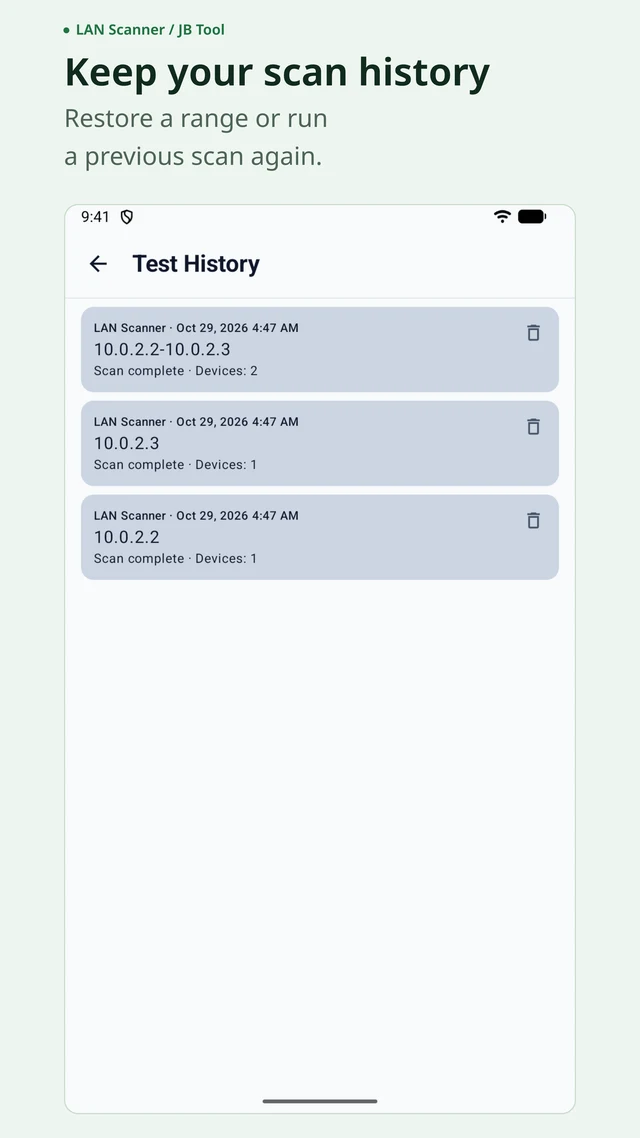
- Review scan history, restore the range, rerun a scan and delete individual records.
Up to 4,096 addresses per scan. IPv4 only. Some devices do not respond; results are not a complete inventory or proof of network security.
The app sends discovery probes to the range you choose and may query the configured DNS resolver for host names. Scan only networks you own or are authorized to test.
No accounts or scan-data cloud uploads. Supports 14 interface languages.
Choose light mode, dark mode, or follow your device settings.