A practical tool for your day.
Scan QR codes and barcodes with your camera or a saved image. Create QR codes for links, Wi-Fi and contacts, generate barcodes, then save or share the results.
Scan codes
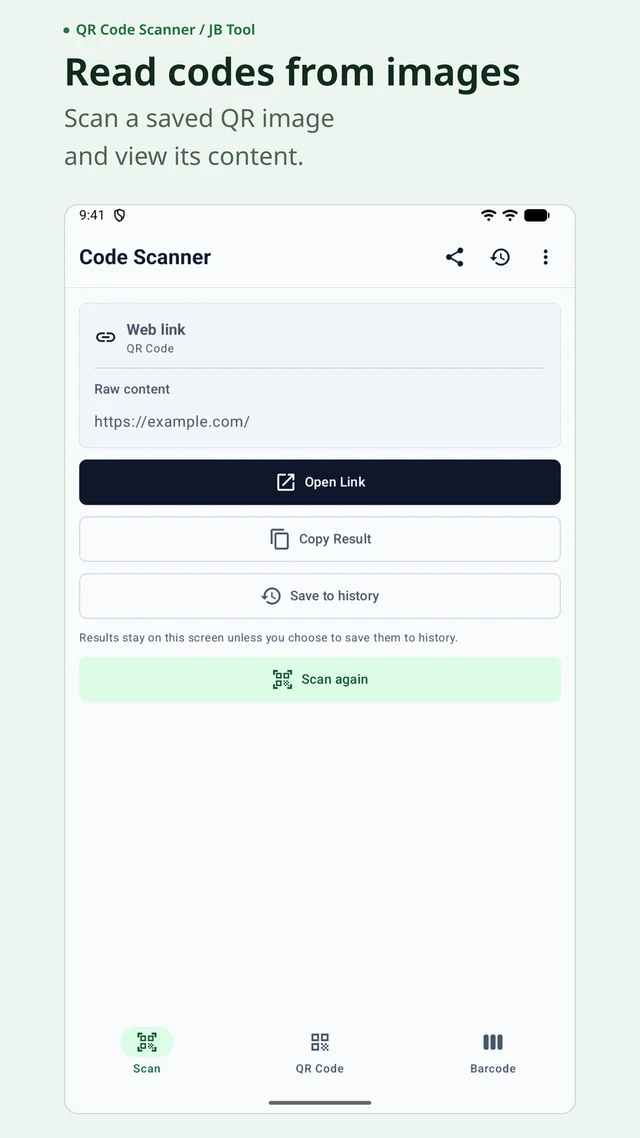
- Scan QR codes and barcodes with the camera
- Select an image already saved on your device
- Recognize links, Wi-Fi details, contacts, phone numbers, email, SMS, locations and text
- Open an appropriate action after reviewing the result
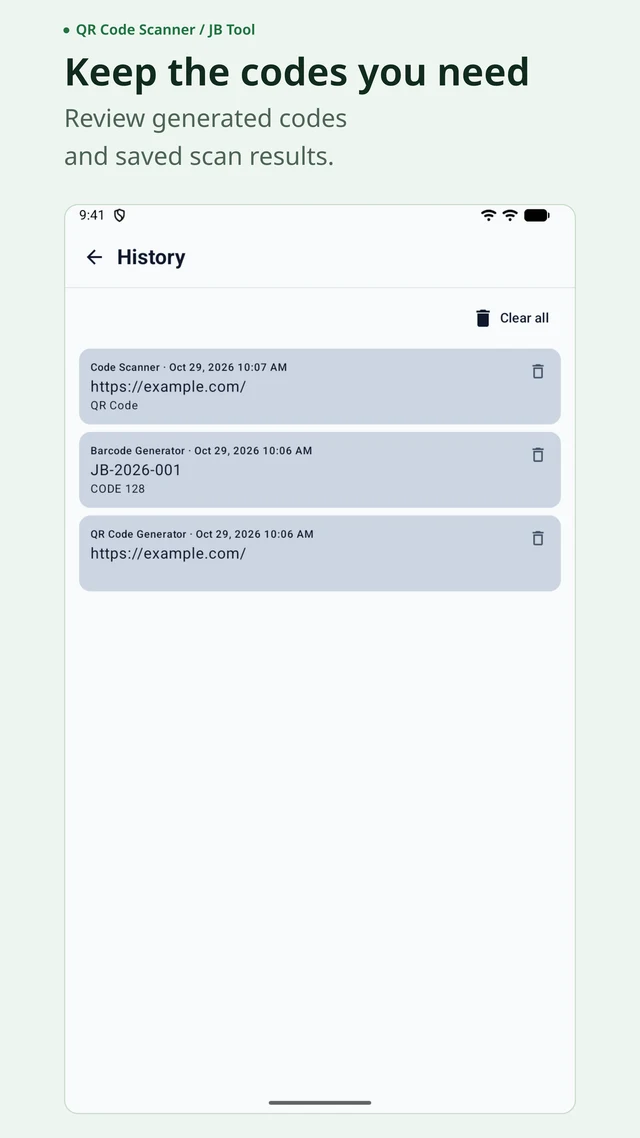
- Save selected scan results to local History
Create QR codes
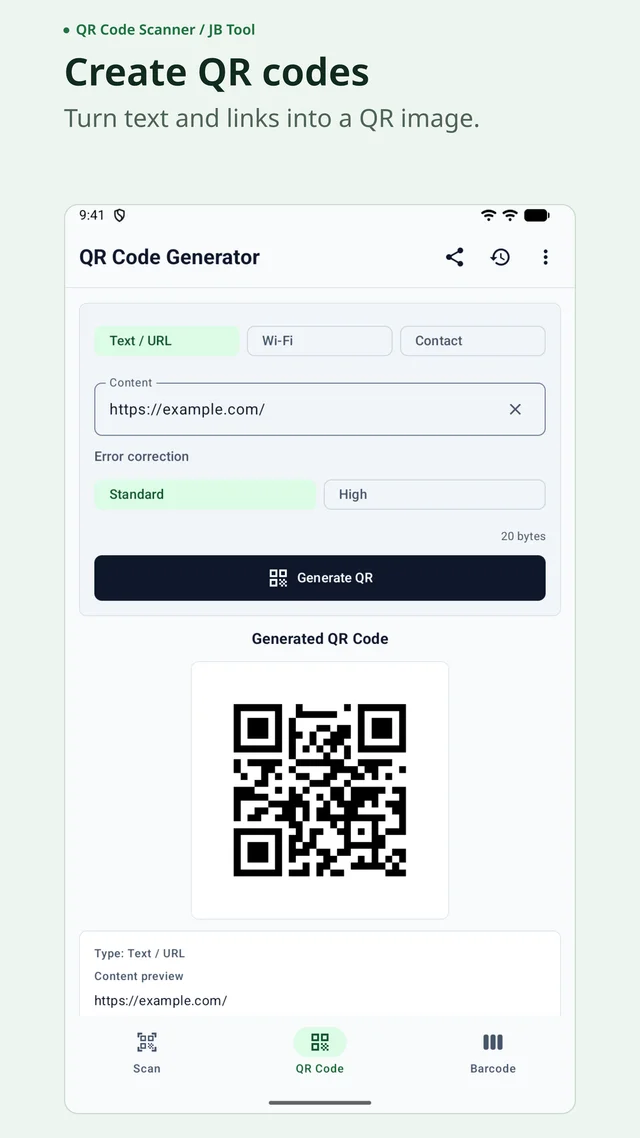
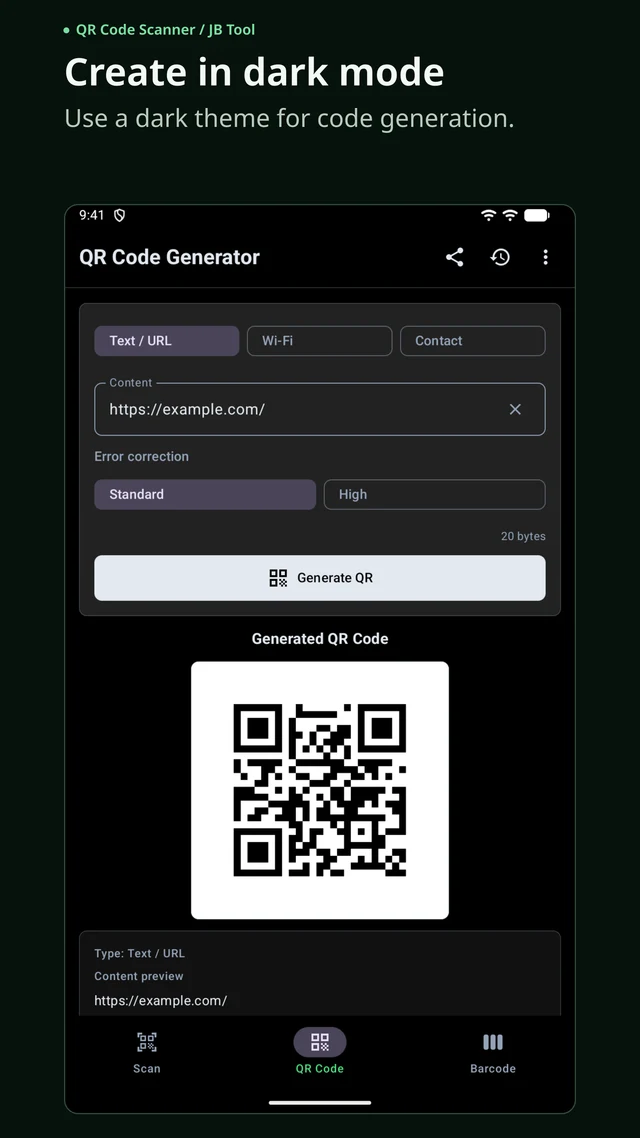
- Create codes for text or URLs, Wi-Fi networks and contacts
- Select an error-correction level
- Keep Wi-Fi passwords out of History
Create barcodes
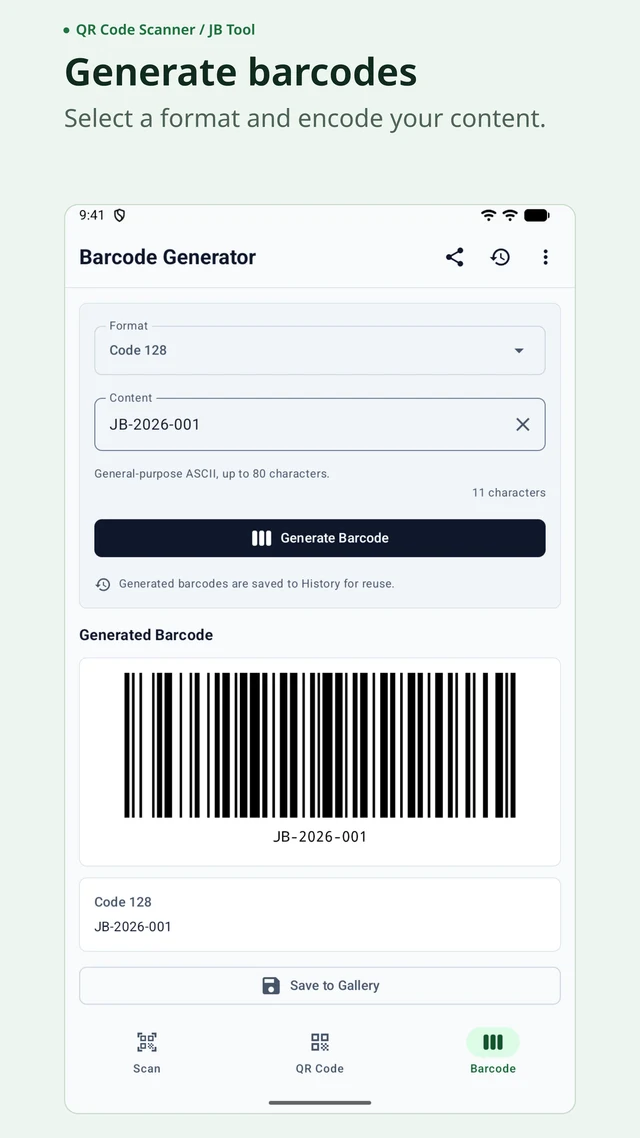
- Create Code 128, Code 39, EAN-13, UPC-A, ITF and Codabar
- Validate content and supported check digits before generation
- Save generated QR codes and barcodes to your gallery or share them through another app
Generated QR codes and barcodes remain in local History so you can restore their inputs. History entries can be deleted individually or cleared together.
No account is required. Code generation and scanning occur on your device, and History is not sent to JB FACTORY. No separate analytics SDK is included.
Supports 14 interface languages. Choose light mode, dark mode, or follow your device settings.