A practical tool for your day.
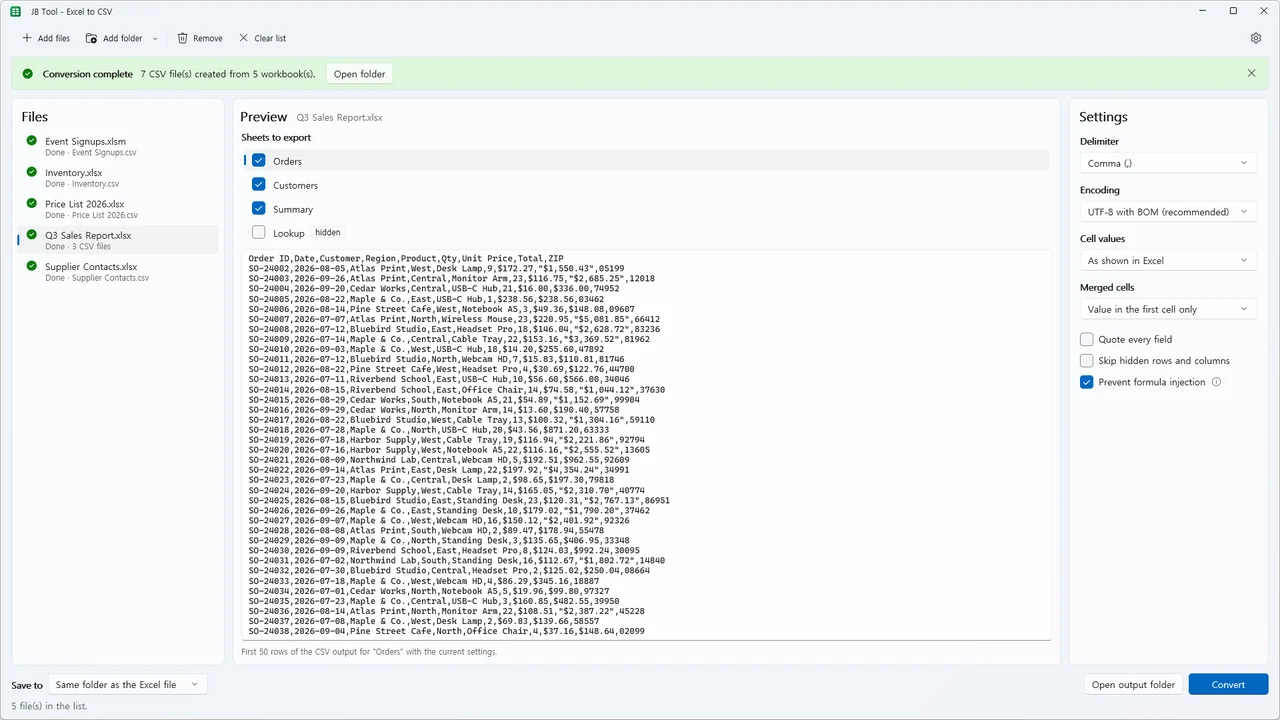
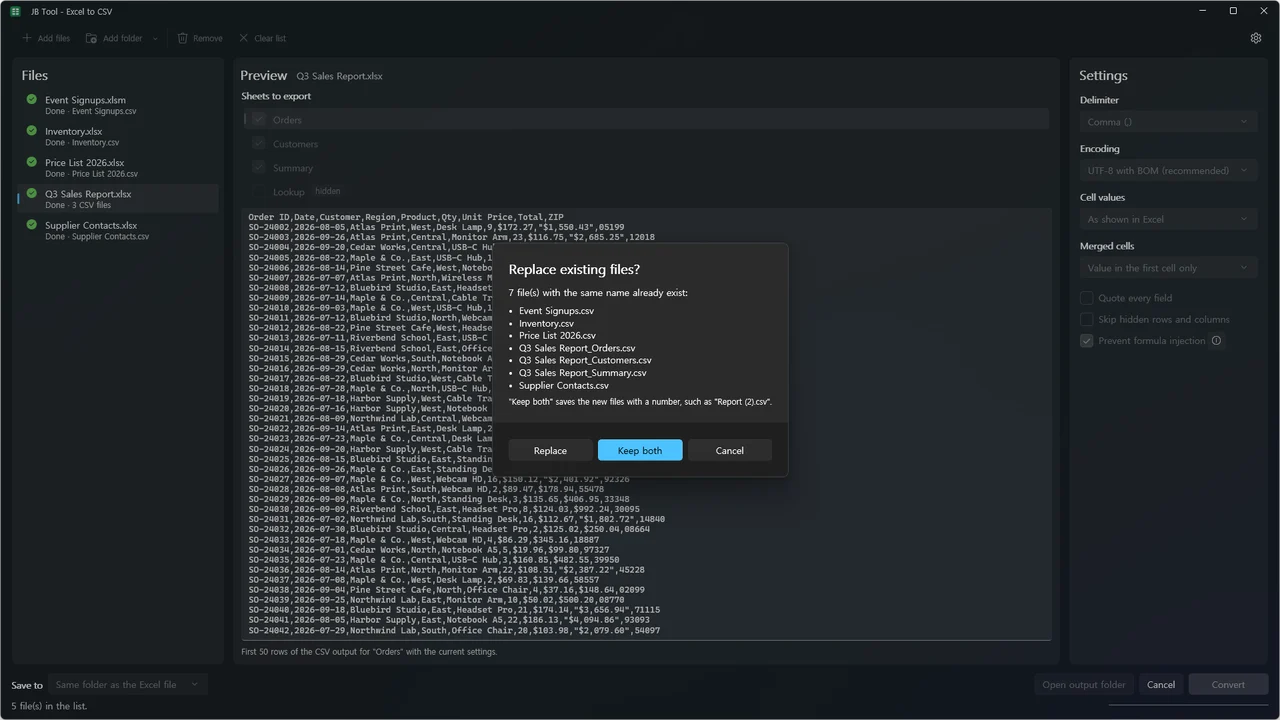
Convert .xlsx, .xlsm, .xlsb, and .xls files on your Windows PC without installing Microsoft Excel. Select the worksheets you want and the app creates one CSV per sheet. Add workbooks or folders to convert them together, or start a conversion from File Explorer.
Preview and format the output
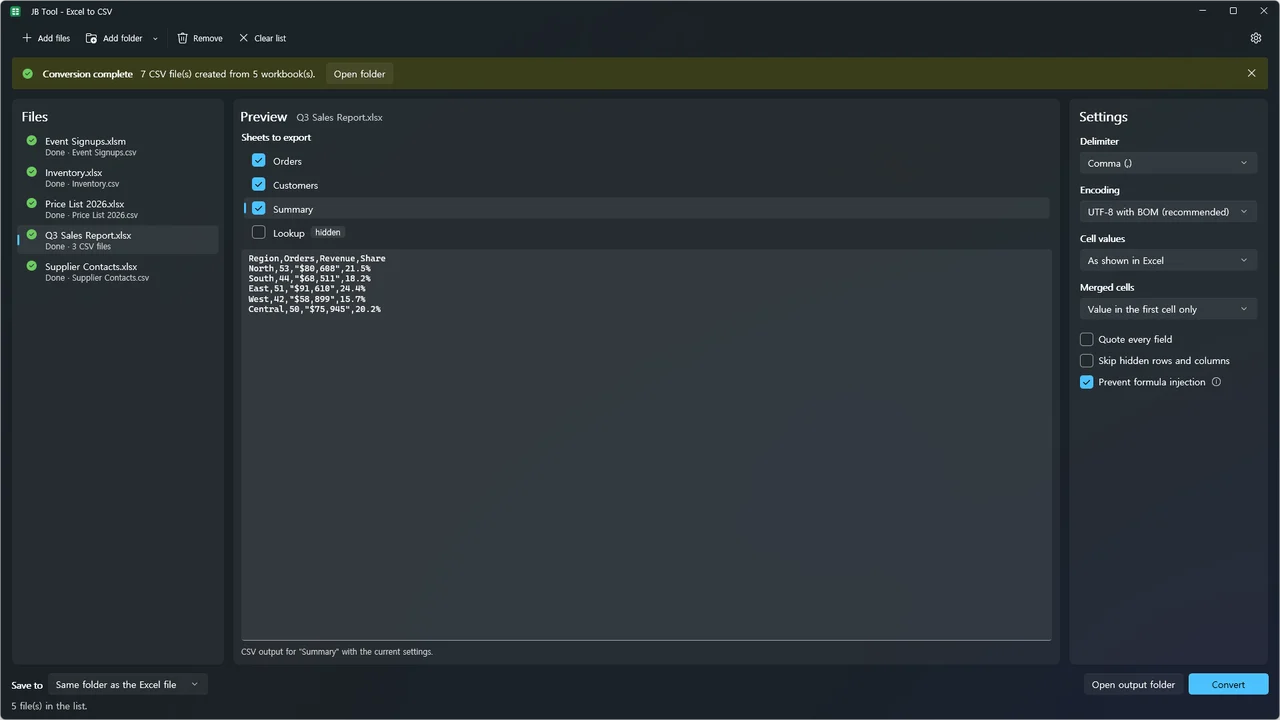
Check the first rows before exporting. Formulas are exported as calculated values, and the CSV preserves displayed formats such as percentages, dates, and leading zeros. Hidden sheets are skipped by default, and you can also skip hidden rows and columns.
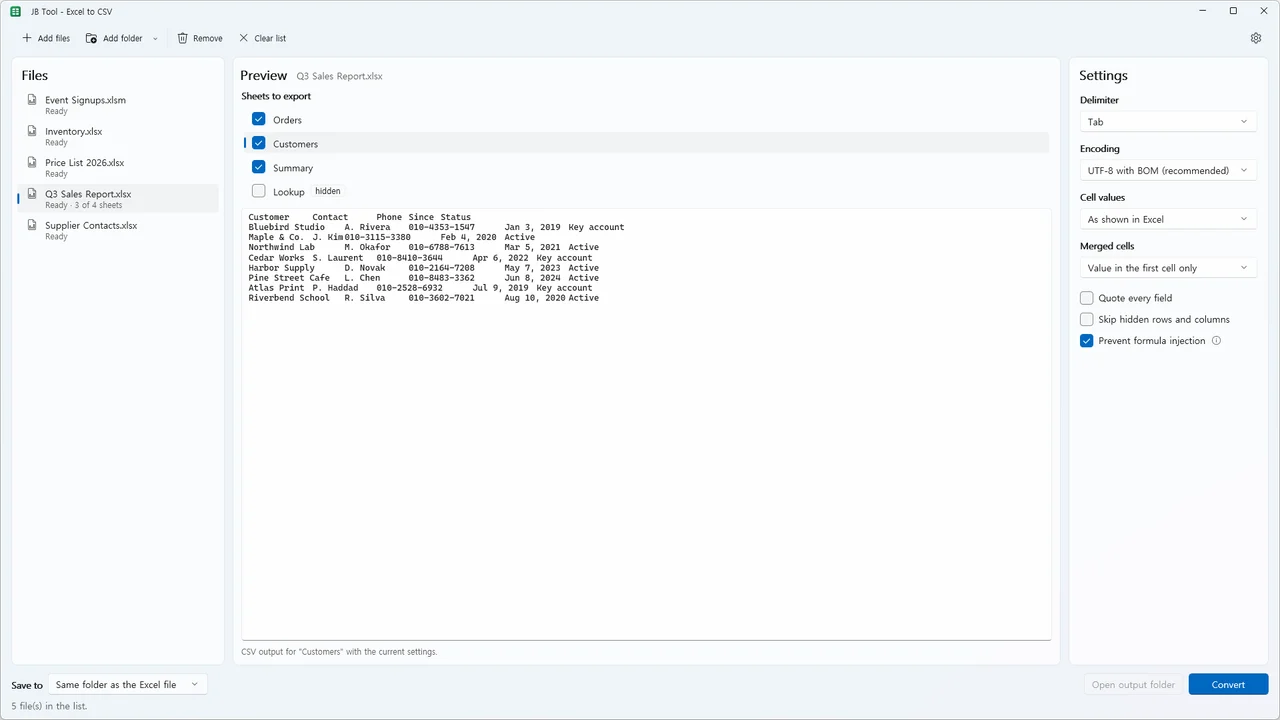
Choose comma, tab, semicolon, or a custom delimiter. Set the encoding and quoting rules for the program that will read the file, and choose how merged cells are exported.
See the Excel to CSV batch conversion guide for output filenames, UTF-8 settings, and an example with a zero-padded product code.
Keep your files on your PC
Conversion runs on your device without uploading workbooks. If an output file already exists, you can replace it, keep both copies, or cancel.