
A practical tool for your day.
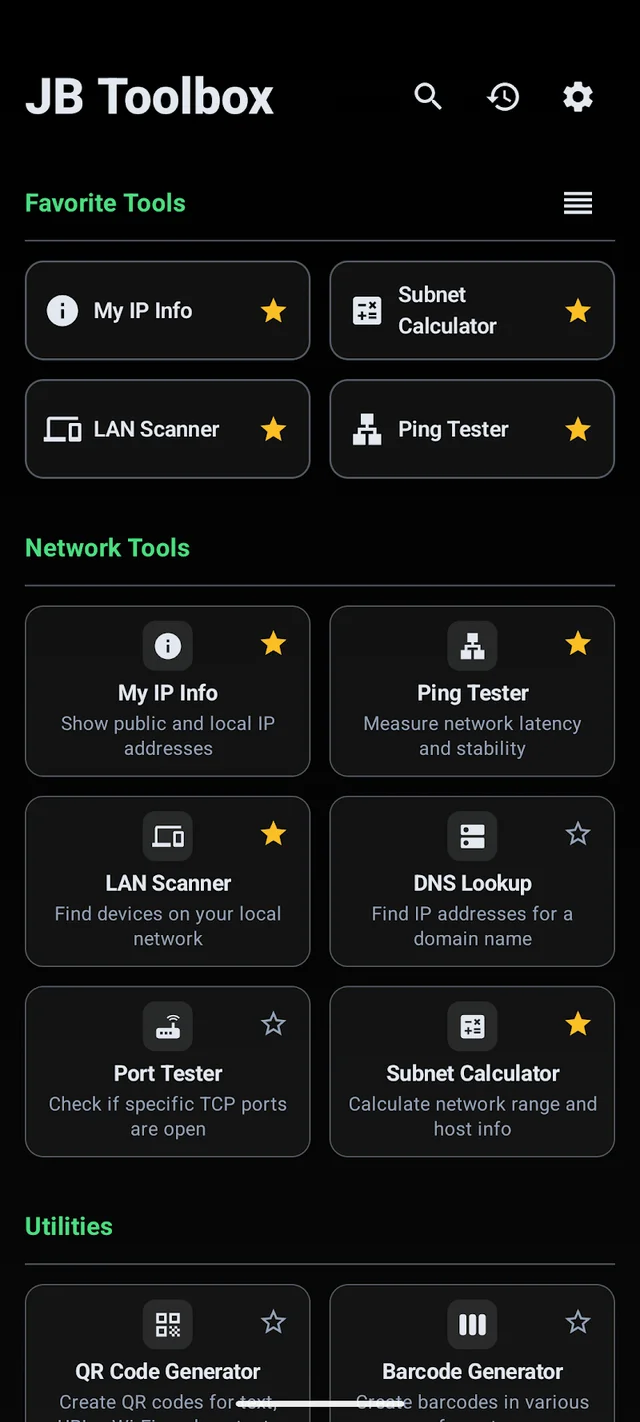
JB Toolbox brings network diagnostics and everyday utilities together on Android. Check a connection, scan a code, or verify a file from the same app.
Which tool should you use?
Start with the matching tool inside JB Toolbox. The linked guides show the same tasks using the standalone JB Tool apps.
| What you want to do | Tool in JB Toolbox | Read next |
|---|---|---|
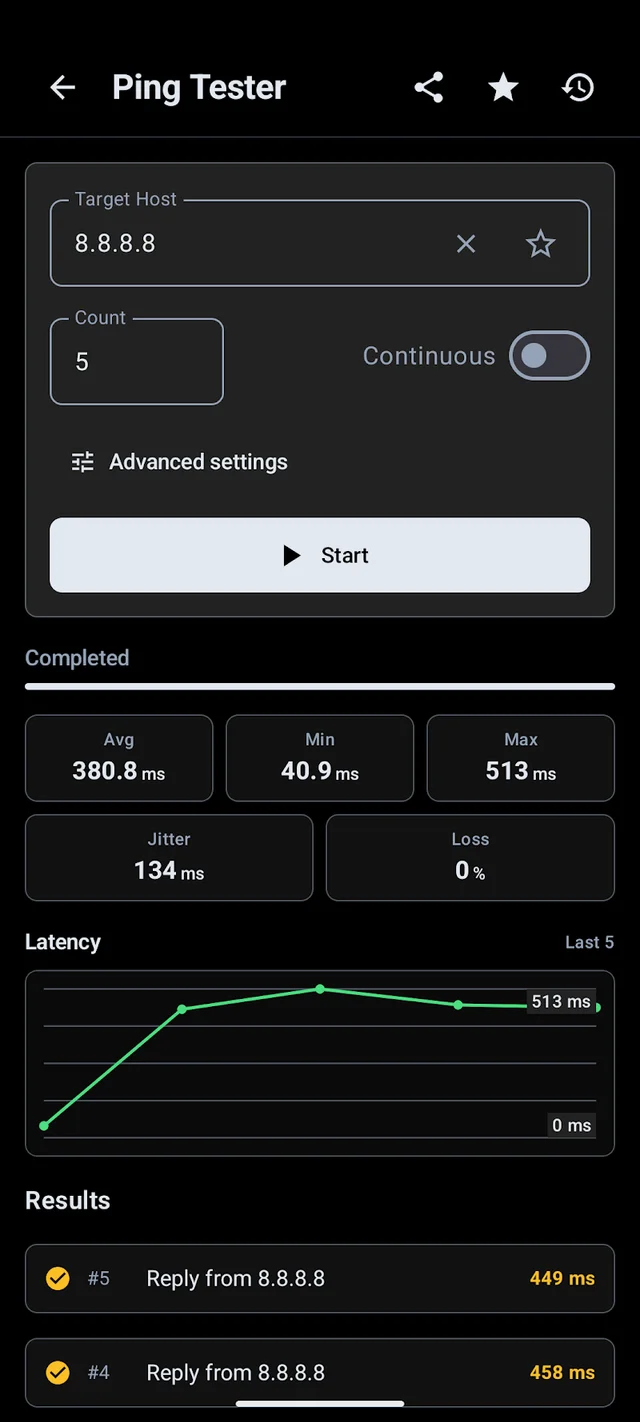
| Investigate slow or intermittent Wi-Fi | Ping for response times and packet loss | Read Ping results |
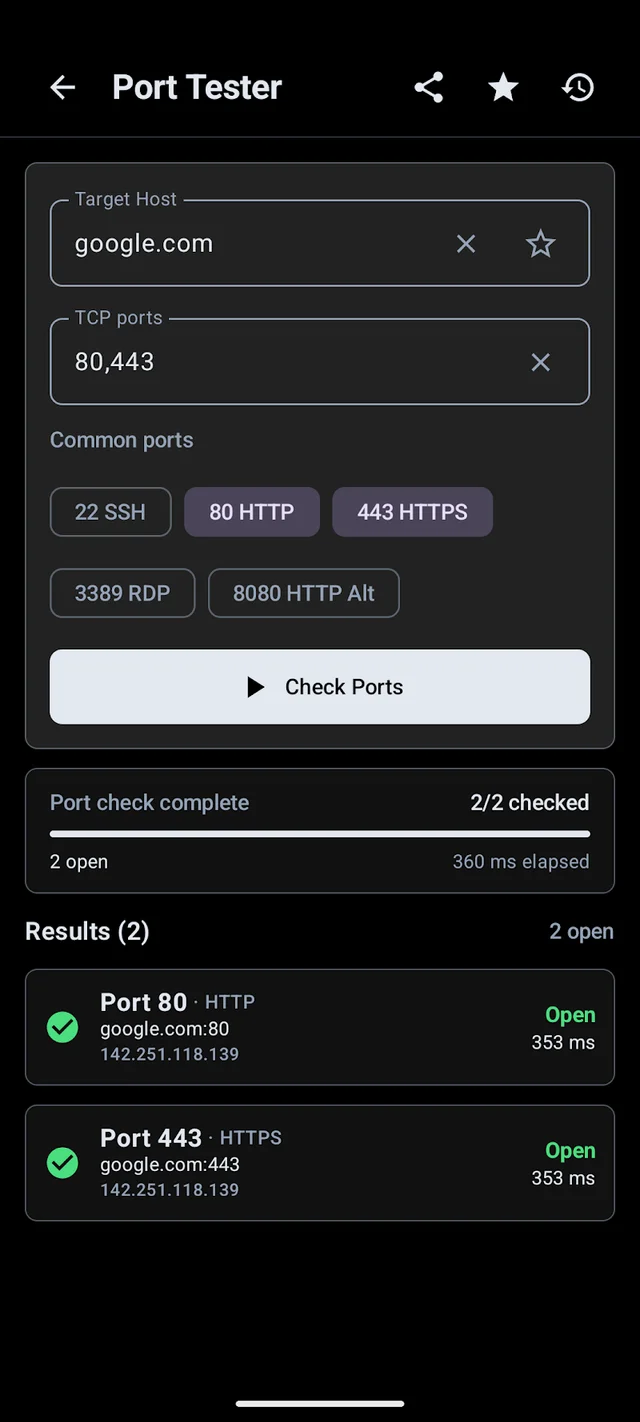
| Check why a specific service is unreachable | Port Tester for a TCP connection check | Check a TCP port |
| Find out which addresses your device is using | IP information for public and local addresses | See My IP Info features |
| Find devices on the same Wi-Fi network | LAN Scanner for local IPv4 devices | See LAN Scanner features |
| Read a QR code from an image on your phone | Code Scanner to select a saved image | Scan a saved QR code |
Check your network
- See your public and local IP addresses and discover devices on your LAN.
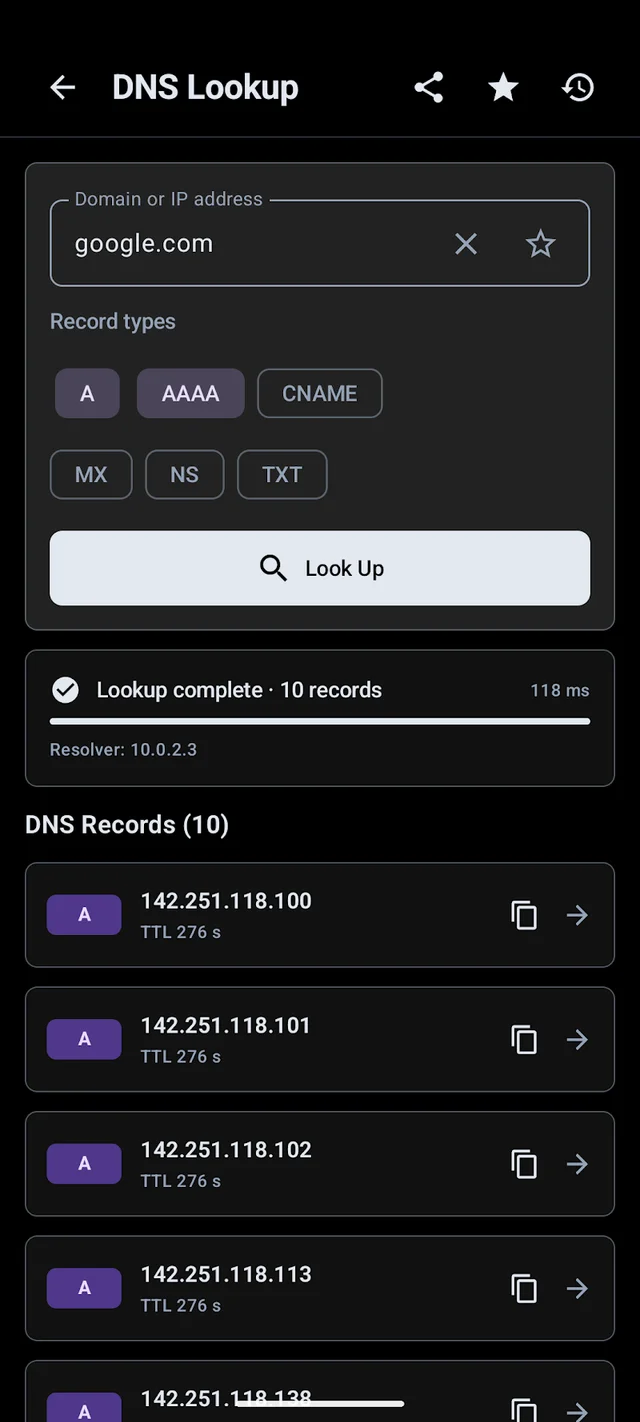
- Use Ping to check latency and packet loss, look up DNS records, and check whether a TCP port is reachable.
- Inspect TLS certificate validity and expiry dates. Calculate subnet ranges and usable host addresses.
Work with codes, files, and text
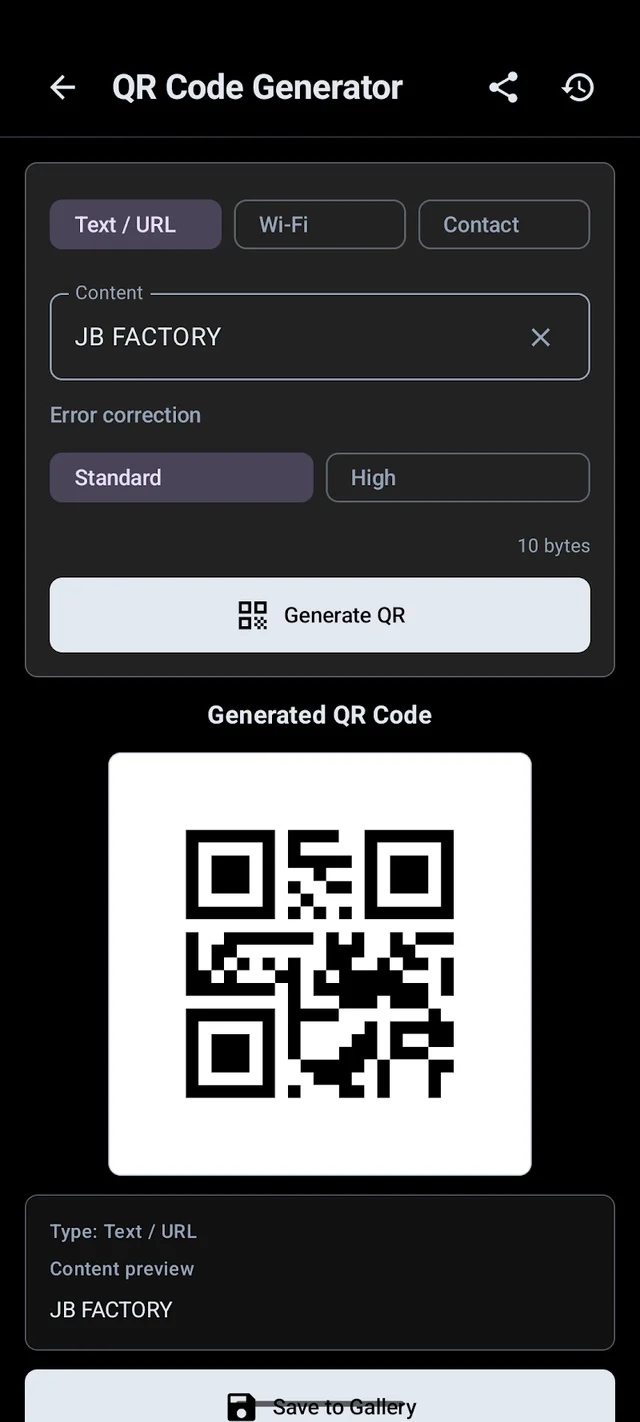
- Scan QR codes and barcodes with the camera or from an image. Create codes for links, Wi-Fi credentials, and contacts.
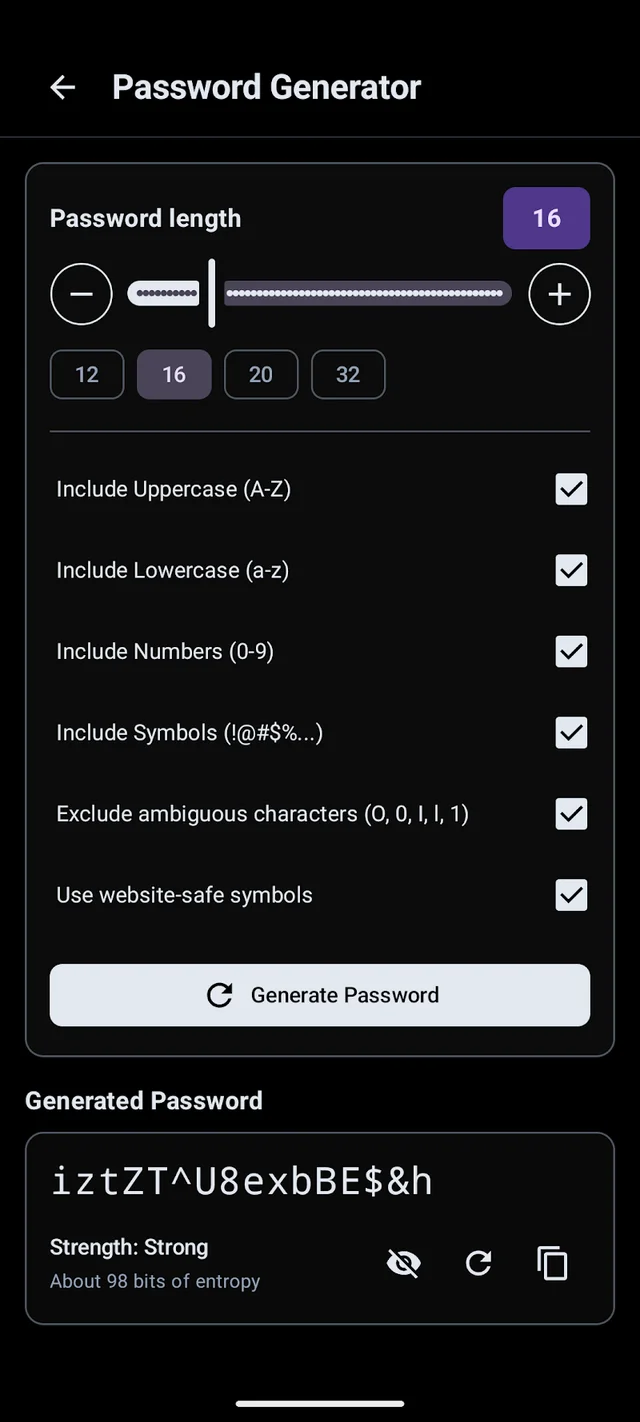
- Calculate and compare checksums for files or text, including SHA-256. Generate passwords with your choice of length and character types.
- Count words, characters, and lines, change text case, and convert units, Unix timestamps, and time zones.
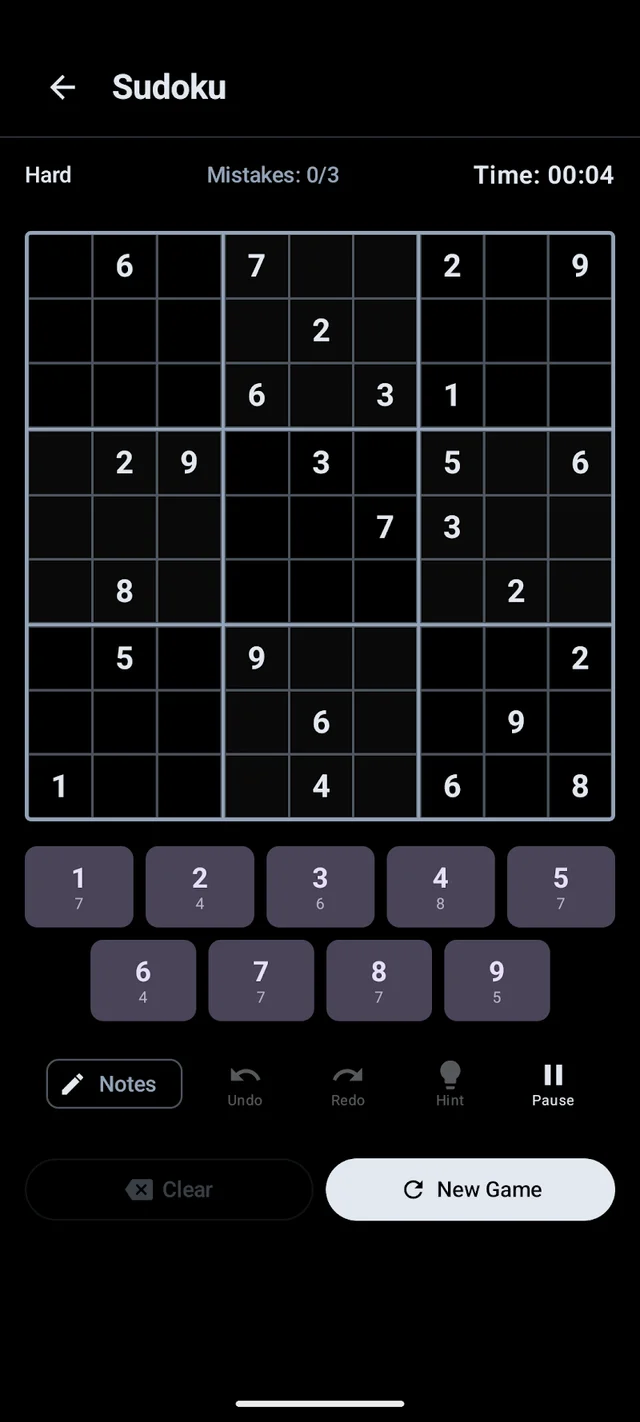
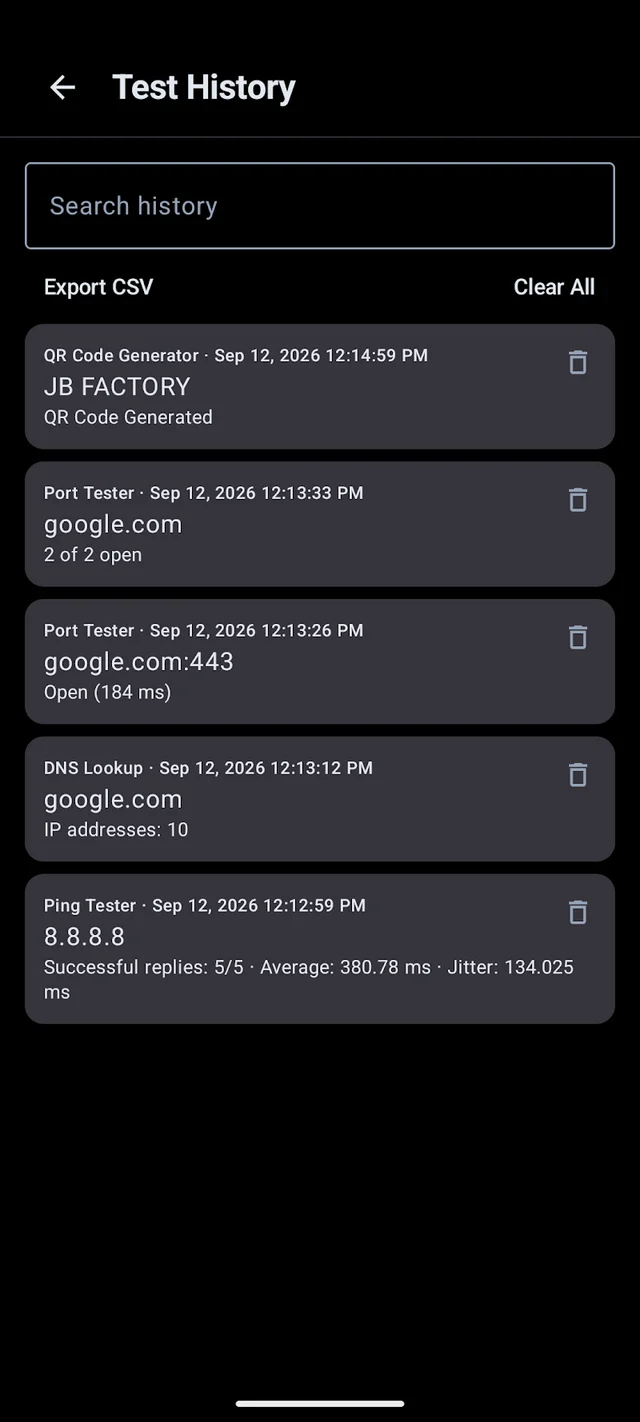
Add frequently used tools to Favorites. In tools with History, you can restore earlier inputs or export entries as CSV. JB Toolbox also includes Sudoku and Ladder Game, and the Google Play edition displays banner ads.